Highpass filter
Clears rumble and sub energy you can't hear but your limiter can.
- 10 Hz to 300 Hz
- On or off
Mastering
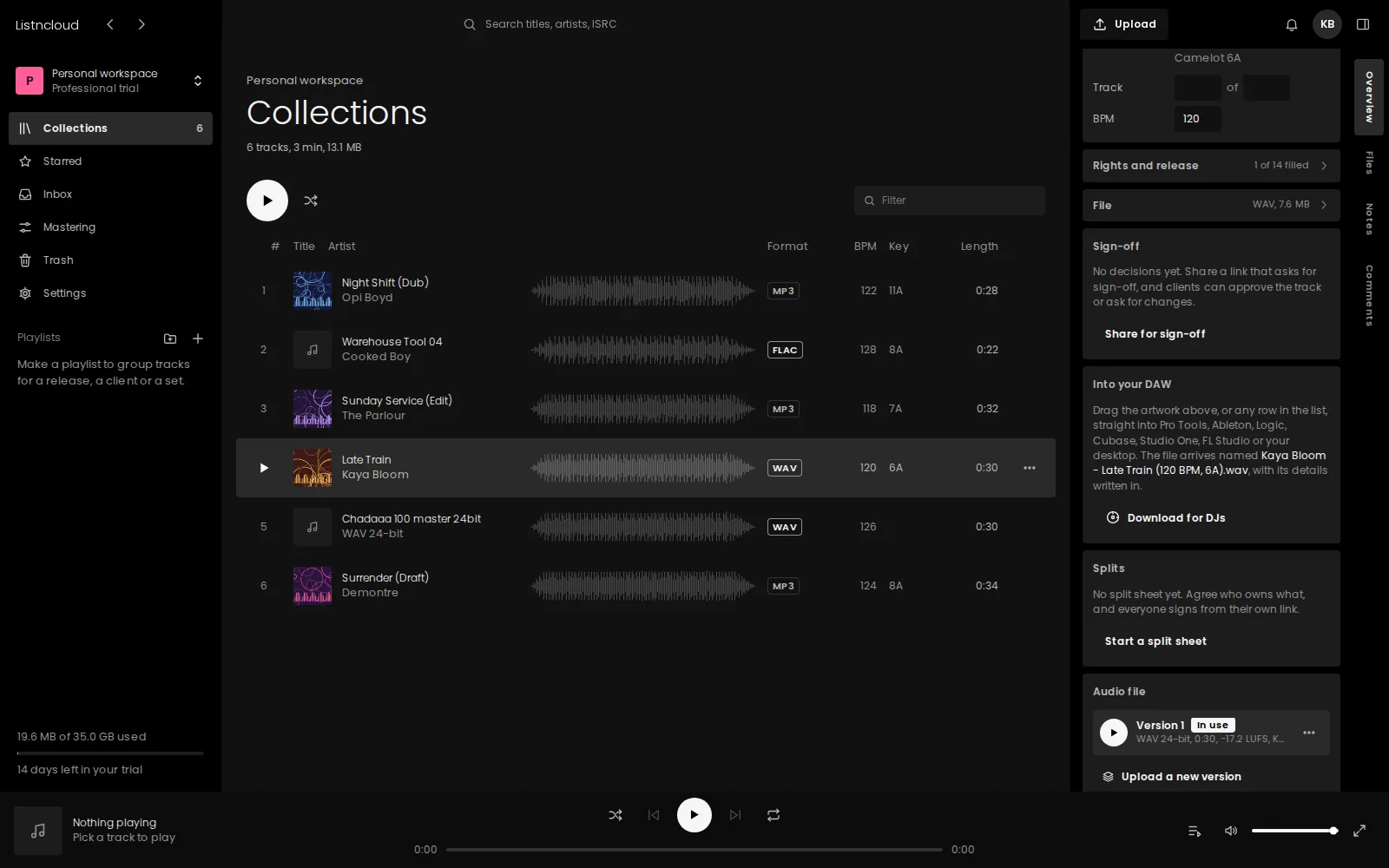
Open any track, shape it, check the loudness, and save. The mastered file becomes the one everyone hears, and the file you started with stays one click away.
Included with Professional and Business.
How it works
Pick a track from your library. Nothing to download or drag in.
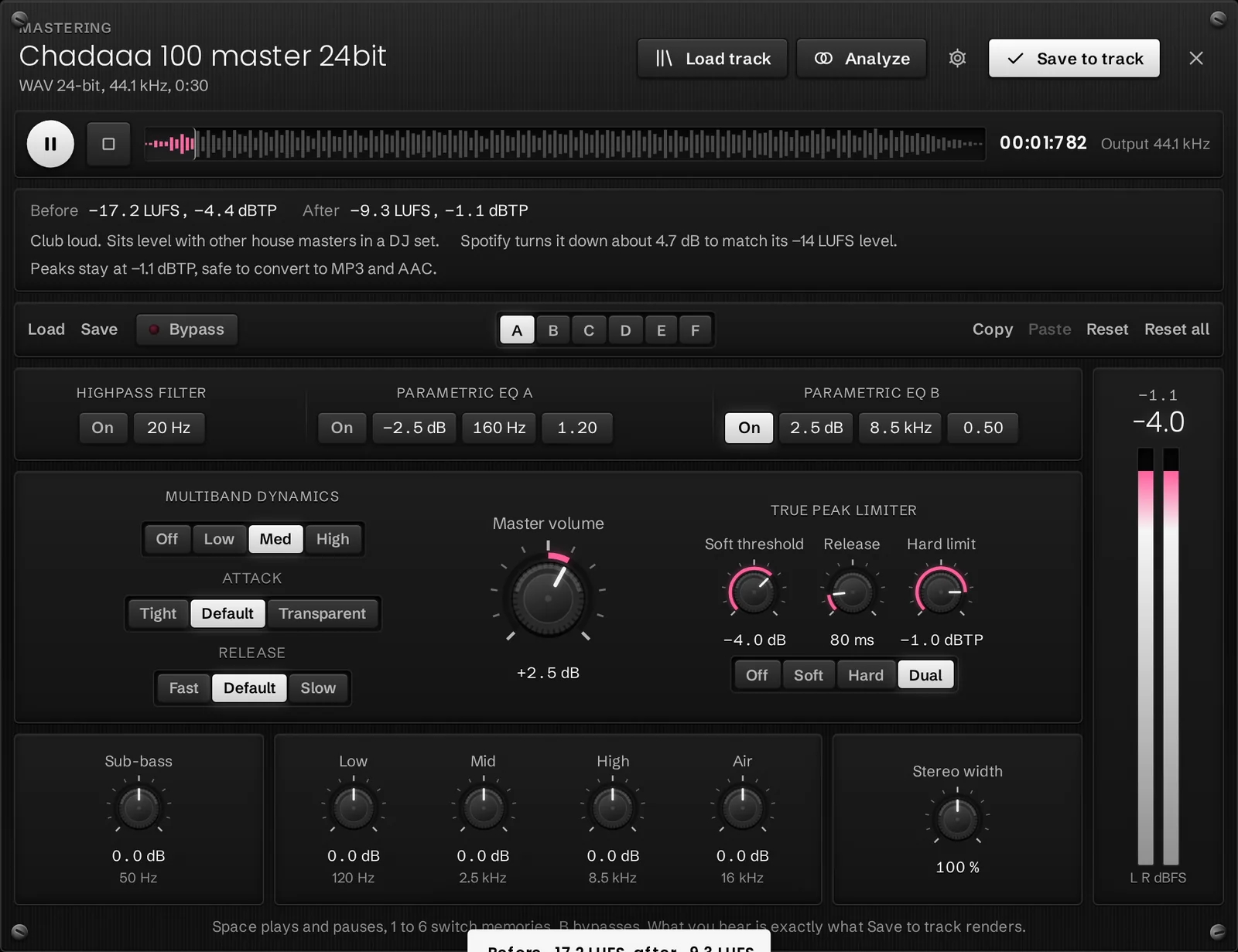
Every control works live while the track plays, with bypass to hear the difference.
Measure loudness and true peak before and after your settings, across the whole track.
The mastered file becomes the current version. The original stays in Versions.
The chain
Clears rumble and sub energy you can't hear but your limiter can.
Two bells for surgical cuts or broad lifts, each with its own gain, frequency and width.
Broad strokes: sub-bass at 50 Hz, then low, mid, high and air shelves for the overall balance.
Three bands controlled separately, so a heavy kick doesn't pull the vocals down with it.
Narrow a busy mix toward mono or open it up, without touching the centre.
Brings the whole master up or down before the limiter.
Soft, Hard or Dual. The hard stage looks 1.5 ms ahead and checks between samples, so peaks stay under your ceiling after conversion to MP3 or AAC.
Made for decisions
Keep six sets of settings at once and flip between them while the track plays. Save a set you like as a preset and use it on the next track.
No. You set every control yourself and hear each change as you make it. Analyze measures the result, but it never changes your settings.
No. Saving adds a new version and makes it current. The file you started with stays in Versions, and you can switch back at any time.
WAV, FLAC and MP3 open in every modern browser. AIFF opens in Safari.
Professional and Business. Every new workspace can try it free during the 14-day trial.
Set up a workspace in a minute and upload your first tracks. Every new workspace starts with a 14-day Professional trial.